


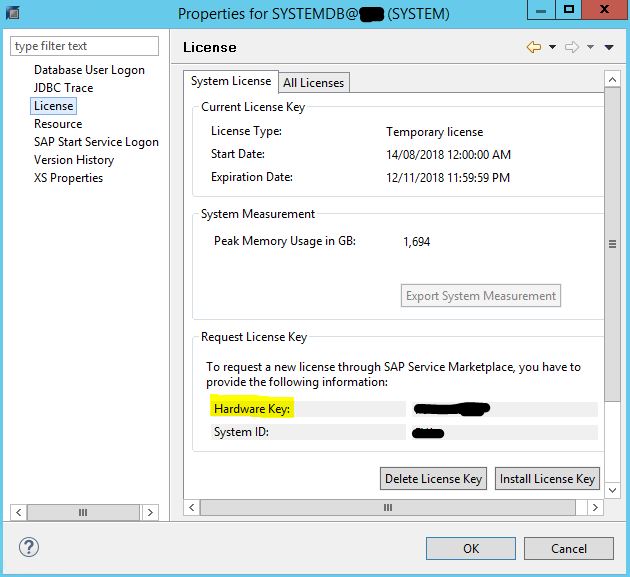
Before you can install the SAP HANA database license, you must request the license key from the SAP Service Marketplace. You need have the information on the Hardware Key and also the System ID.
Steps
1. Launch the SAP HANA Studio and login to the SYSTEM database.
2. Right click on the SYSTEMDB@[SID] and select Properties.

3. Select License and from the right panel side, click on Install License Key. Locate the license key (in text file).
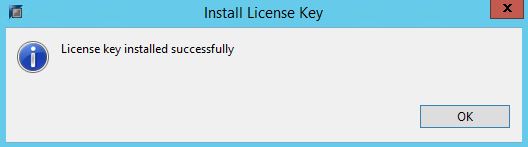
4. You will get below message once the license key successfully installed.


Hi,
Is there any issue if my tenant database has the license installed but my SYSTEMDB doesn’t?
If I install the license in my SYSTEMDB connection does HANA database stops? sorry if it is a dumb question but it is for my productive system and I’m taking precautions.