


Device ABC in system SID does not support format XYZ
Message no. SP01R025
Diagnosis
The format type you specified is not defined for the device type of the target printer.
Procedure
Choose a different format type or define the missing format type. Use the “Possible entries” function to display a list of the defined format types.
In transaction code SPAD, enter the Output Devices and click on Display.

On the next screen, from the top menu, select Goto > Device type.
Click on the Formats.
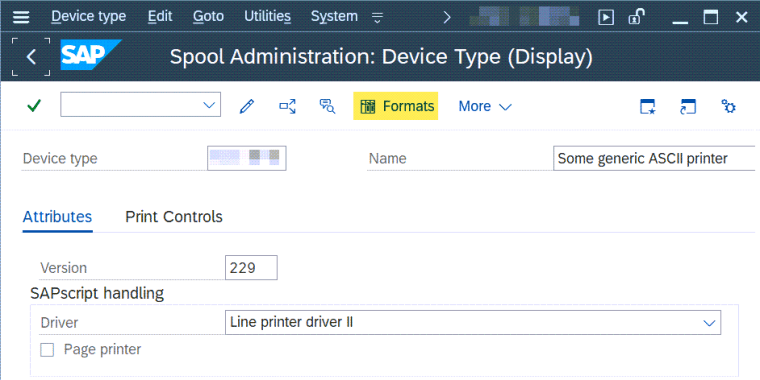
So, here, you can assign the missing format type.
Please be noted that changes on this screen require you to have the SE06 open modifiable, which mean – you should execute this in your development server and move the changes into the testing and production environment.


