


To lock a client in SAP system
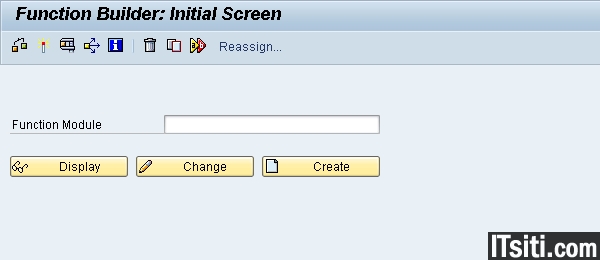
1. Go to transaction SE37, activate command ” SCCR_LOCK_CLIENT “.

2. You will received a message ” The client is currently locked againts logon ” when you are trying to logon to the system. sap* is still allowed to logon during this time.

To unlock a client in SAP system
1. Login to the system using sap*. Go to transaction SE37, activate command ” SCCR_UNLOCK_CLIENT “. Press F8 to continue.
2. Key in the client number that you are locked earlier. Press F8 to continue. Now, you can login to the system.


